The Home Depot · Order Up · Price adjustments
Apply a discount without starting the order over.
To apply a single markdown, associates printed a receipt, cancelled the order, and rebuilt it in another app. I redesigned the workflow so they could do it in the order itself, within the business rules, and it went from a 50-store pilot to every store.
- Role
- Staff UX Designer. I ran the store research myself, then designed, prototyped and tested the workflow end to end.
- Team
- Product manager, 6 engineers, store operations, a field research partner
- Timeline
- 5 months, from store visits to chain-wide rollout
- Outcome
- 32% faster markdowns, in all 2,300 stores
The problem
A routine request turned into a restart.
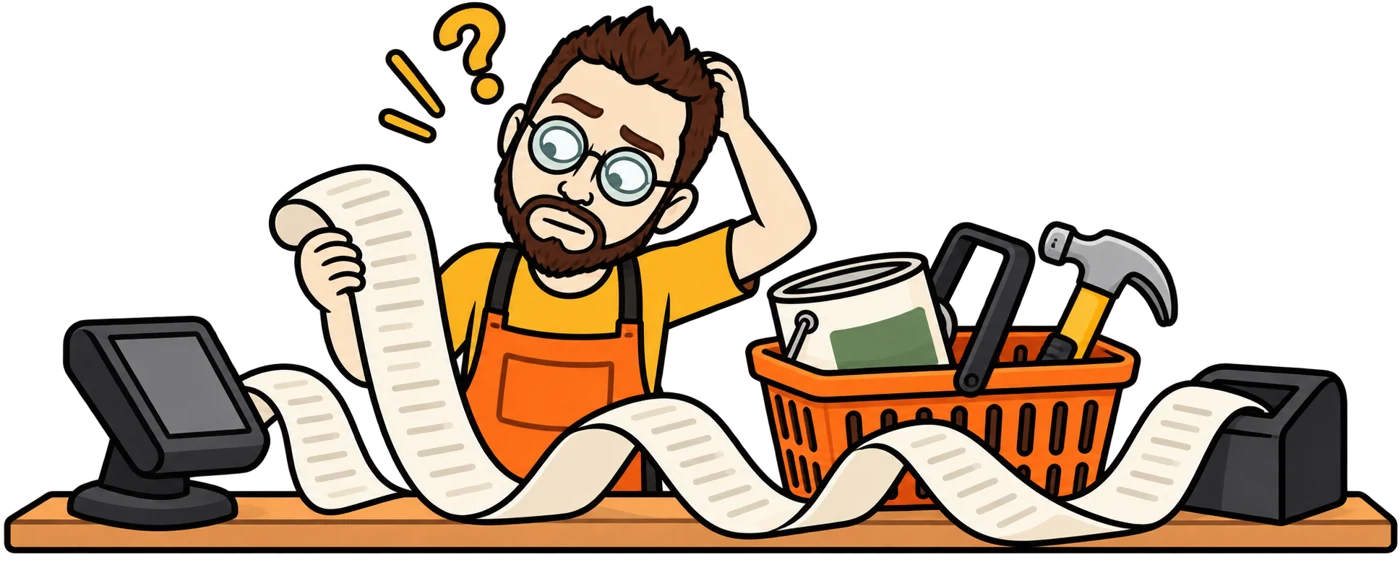
Order Up is the app Home Depot associates use to build orders in the aisle and at the service desk. Competitor price matches and discounts for damaged items happen many times a day in every store, yet Order Up had no consistent way to handle them, and its reason codes didn’t cover the situations associates actually ran into.
I visited 12 stores, watched associates work, and interviewed them and their managers. The workaround was the same everywhere: print a receipt, cancel the order, open a different app, scan the receipt to rebuild the order, apply the discount, then check out. Customers stood waiting through all of it.
- Print receipt
- Cancel order
- Open second app
- Scan receipt
- Rebuild order
- Apply discount
- Check out again
- Apply markdown
- Enter amount
- Apply
Managers trusted associates to make the call. The software didn’t.
The real problem wasn’t a missing button. Associates already had the authority to make these decisions, but no safe place in the product to act on it. Every workaround also made shrink and policy compliance harder for store leadership to see.
Constraints
Flexibility had to live inside business rules.
- Approval: markdowns over $50 need a manager, through an approval workflow that already existed and couldn’t change.
- Budget: each store has a fixed customer-satisfaction budget that markdowns draw from.
- Allocation: a markdown on the whole order has to be split across individual SKUs for inventory and finance.
- Interruption: associates often leave an order mid-task for a phone call, another customer or another app, and have to find their place when they come back.
Options explored
Four patterns, tested in the stores.
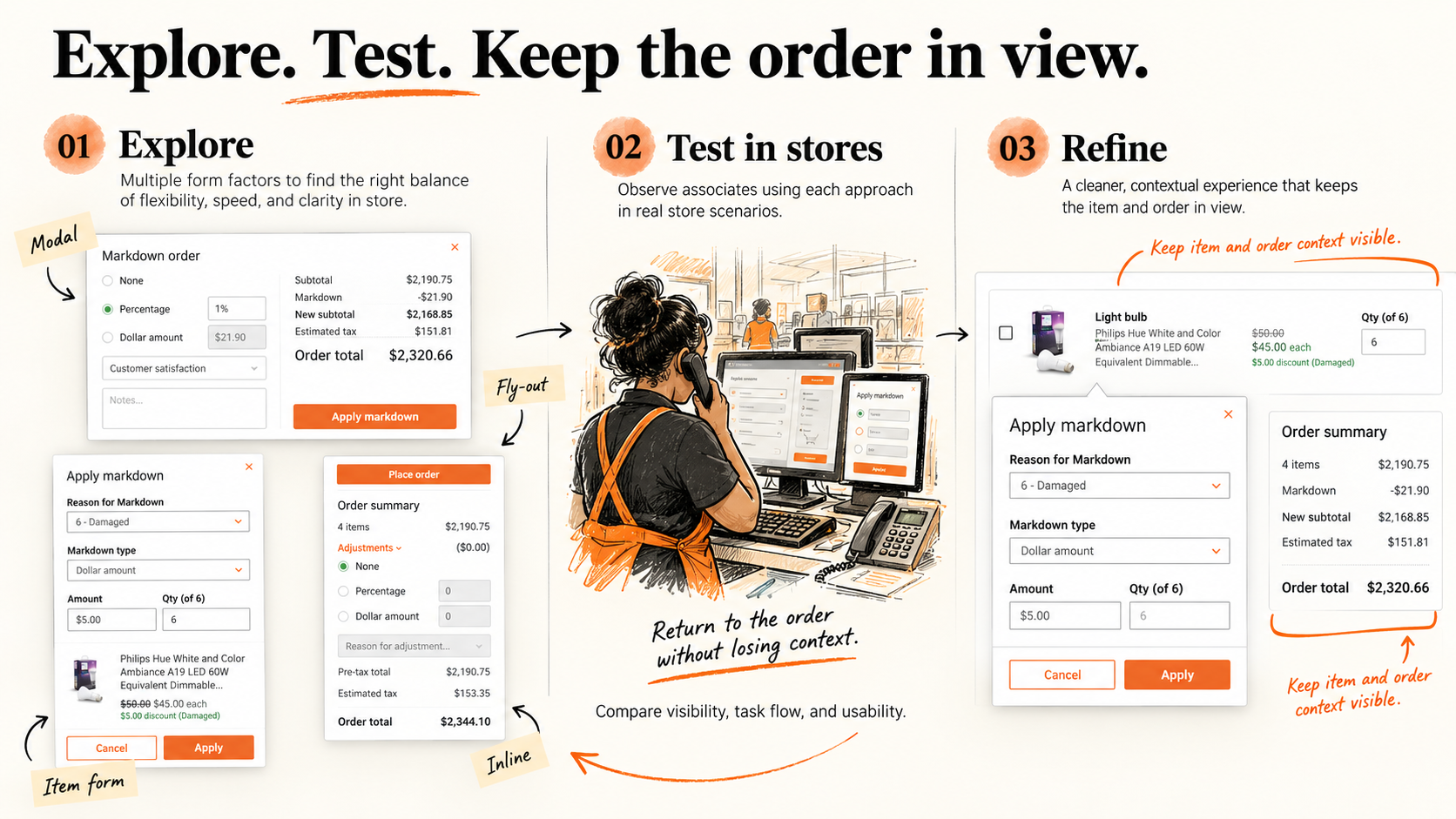
I prototyped four ways to apply a markdown and tested them with associates in their own stores, often with real interruptions happening around us.
Key decisions
Keep the calculation next to the conversation.
Anchor the form to the item
The fly-out opens beside the line being changed, never over it. Price, discount and new total stay visible while the associate explains the math.
Use their word
“Adjustment” became “markdown,” the word associates already used. Training adopted it too.
Rules inside the flow
Over $50 hands off to manager approval with the order context attached. Every markdown records a reason.
Make every markdown reversible
Apply, update or remove at the item or order level. Being able to undo is what made associates trust the feature over the workaround.
Prototype
Try the markdown flow.
Interactive reconstruction · sample data · item-level markdowns
Try a markdown without leaving the order
Open the light bulb’s more menu to apply a markdown, then update or remove it.





Interactive prototype, sample data. Open the light bulb’s ⋮ menu to apply a markdown.
Outcome
From a 50-store pilot to every store.
The pilot ran in 50 stores for 90 days, with check-ins at 30 and 60 days, before the feature rolled out to the whole chain.
Because every markdown now records a reason code inside the order, adjustments that used to disappear into untracked workarounds became visible to store leadership, which is where the shrink reduction came from. Leaders also reported that associates followed the standard procedure more often and felt more trusted to handle routine requests on the spot.
What I took forward
When the rules are part of the workflow and the screen uses the customer-facing words associates already say, the rules stop slowing people down and start protecting them.
Next case · Renaissance